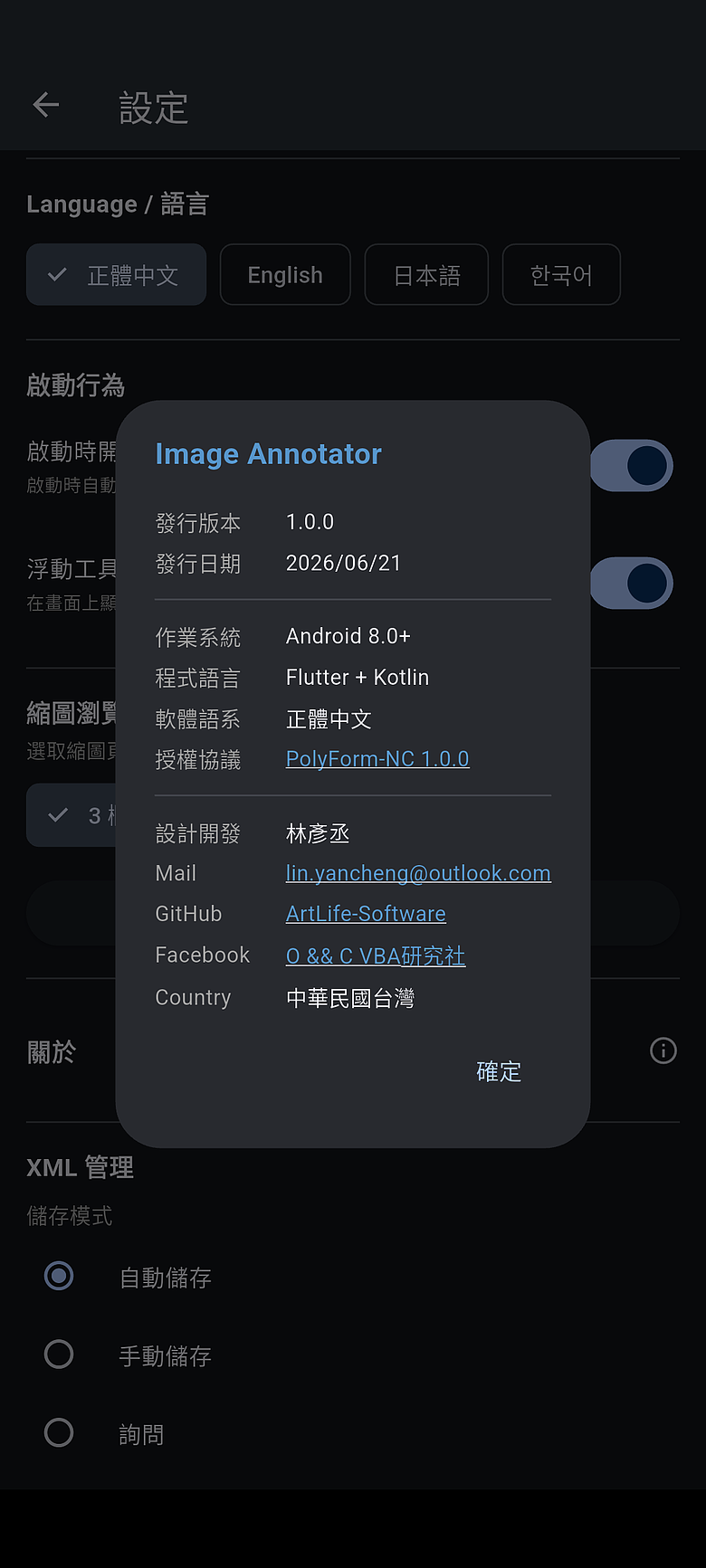
Non-destructive image annotation for Android — annotate, save, edit, and export without altering the original.
非破壞性圖片標注工具(Android)——標注、儲存、修改、匯出,原始圖片完全不受影響。
Features 功能特色
Non-destructive Annotation 非破壞性標注
Annotations are saved as separate XML files alongside the original image. The original is never modified. 標注儲存為獨立的 XML 檔案,原始圖片完全不受影響,隨時可以修改或移除標注。
Rich Annotation Tools 多樣標注工具
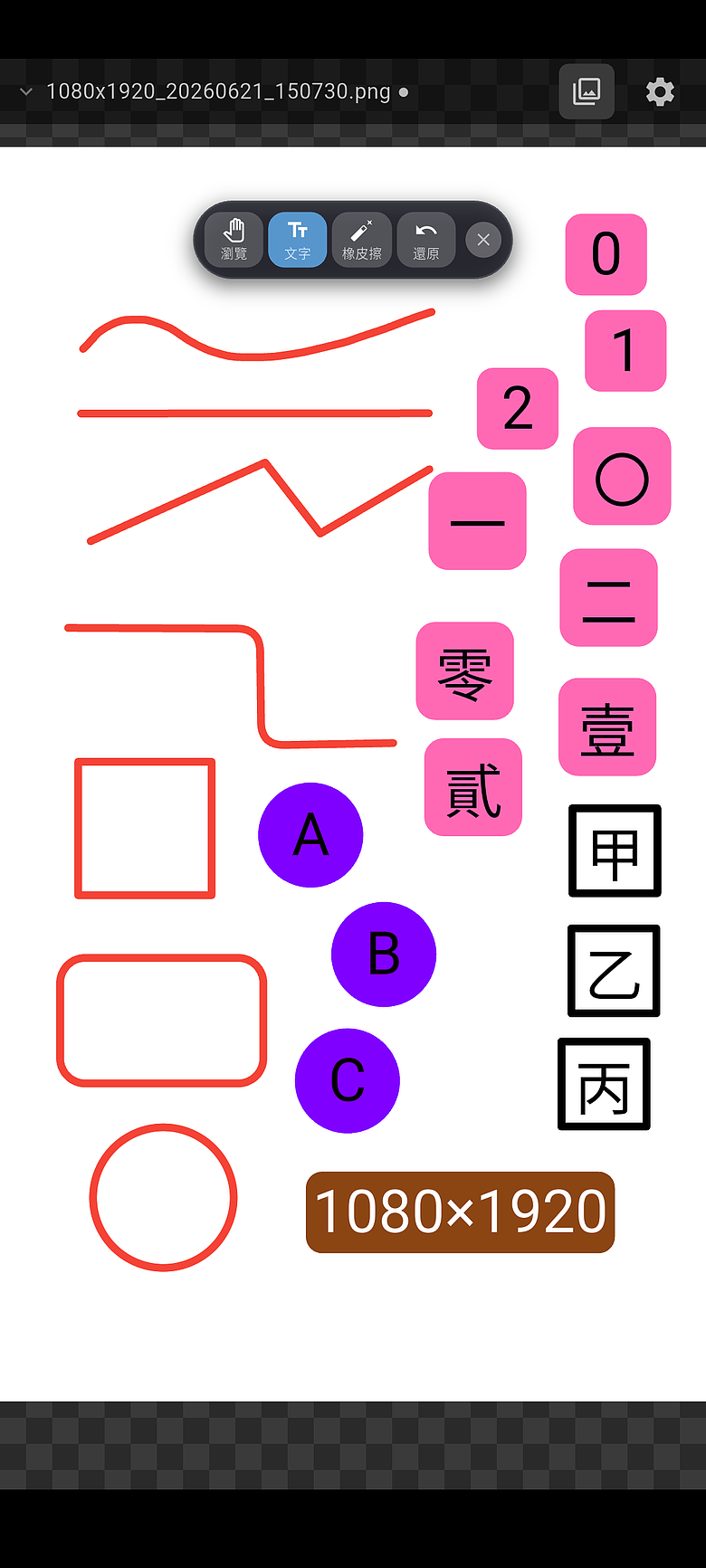
- Freehand drawing, straight line, polyline (rounded), rectangle (rounded), circle, mosaic, frosted glass blur, magnifier, spotlight
- Adjustable color, opacity, thickness, dashed line, arrow, scale
- Multi-style text annotation, variable text support, customizable font and size, versatile text background.
- 手繪、直線、(圓角)折線、(圓角)矩形、圓形、馬賽克、毛玻璃、放大鏡、聚光燈
- 可調整顏色、透明度、粗細、虛線、箭頭、比例
- 多樣式文字標注,支援變數文字,可自訂字型、大小、多樣化文字背景
Folder-based Workflow 資料夾工作流程
- Open a folder and switch between images without leaving the app
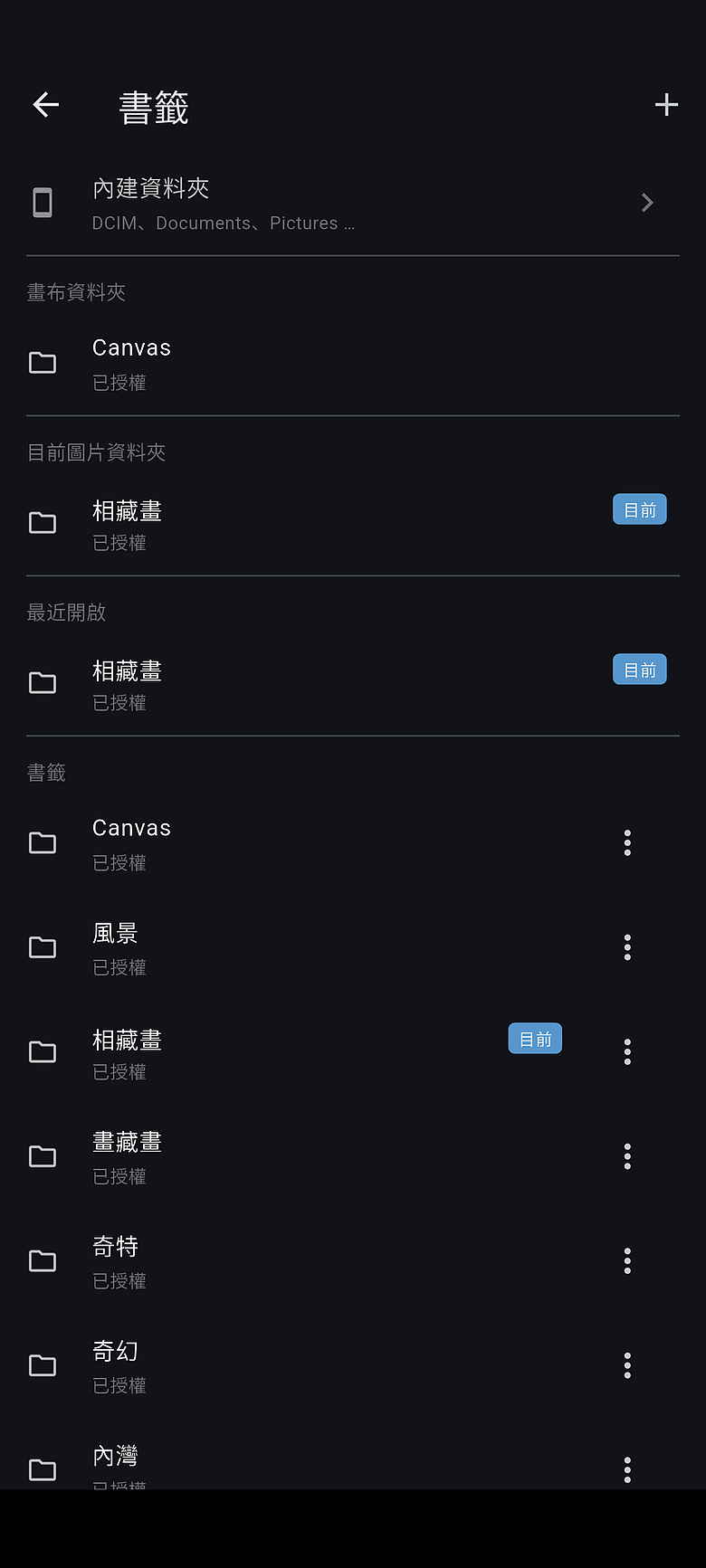
- Bookmarks for quick access to frequently used folders
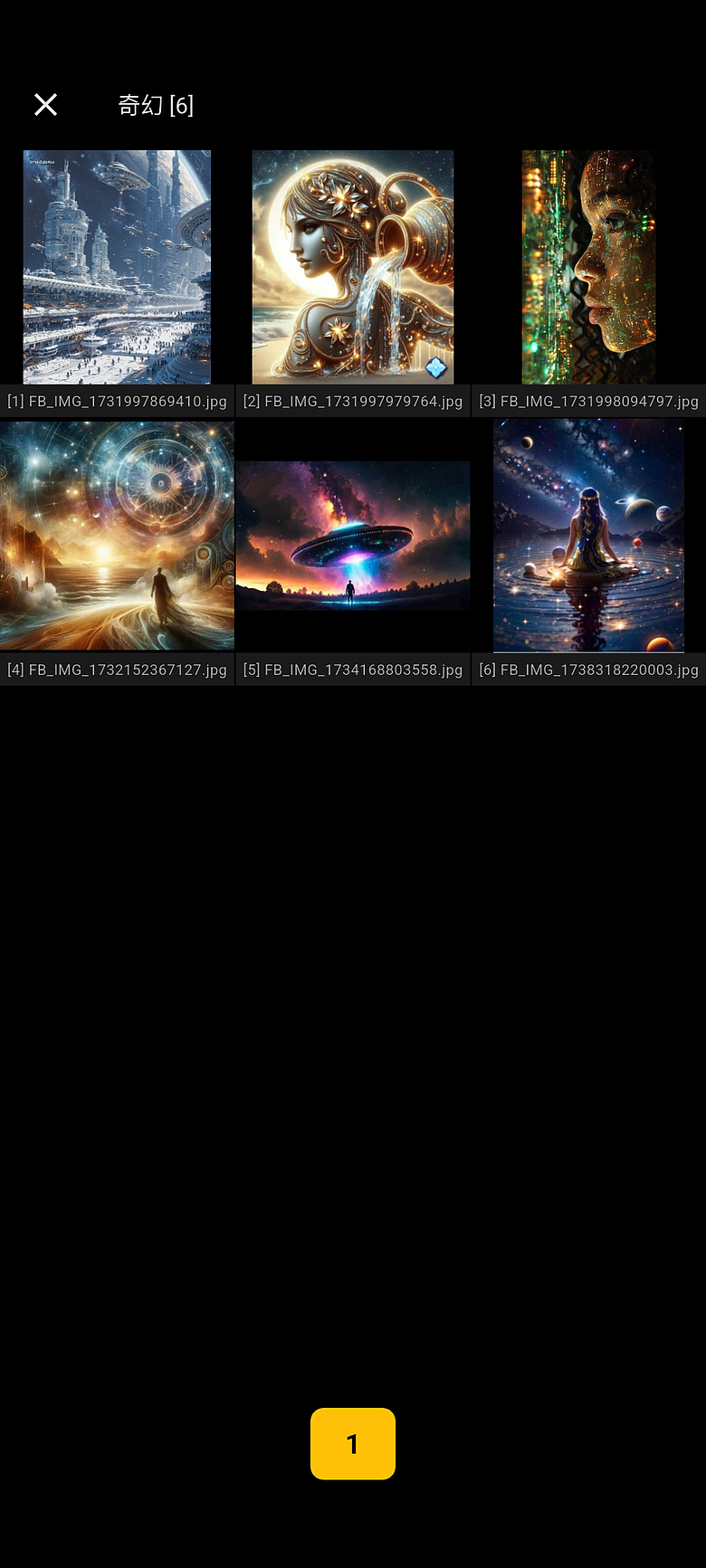
- Thumbnail picker for fast navigation
- 開啟資料夾,在 APP 內直接切換圖片
- 書籤功能快速存取常用資料夾
- 縮圖選圖,快速瀏覽
Flexible Save Options 彈性儲存選項
- Auto-save, manual save, or ask-before-save modes
- Export annotated image as PNG
- Batch clean up empty XML files
- 自動儲存、手動儲存、詢問三種模式
- 匯出含標注的 PNG 圖片
- 批次清除空白 XML 檔案
External Share Support 外部分享支援
- Receive images shared from other apps
- Open images directly from file manager
- 接收其他 APP 分享的圖片
- 直接從檔案管理員開啟圖片
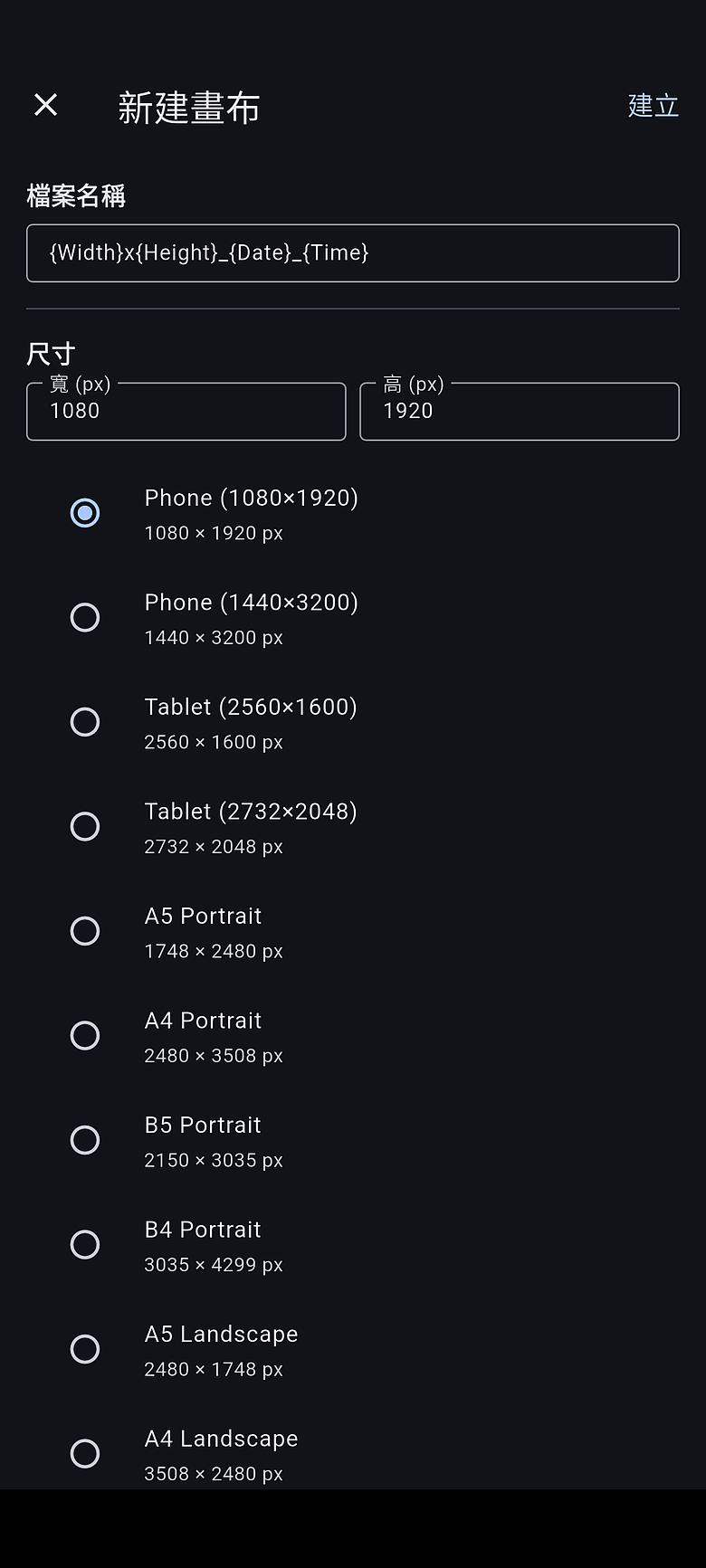
Canvas Creation 新建畫布
- Create blank canvases with preset or custom sizes
- Standard paper sizes (A4, A5, B4, B5) and screen ratios (16:9, 16:10, 3:2, 4:3)
- 建立空白畫布,預設或自訂尺寸
- 支援標準紙張尺寸(A4、A5、B4、B5)及各種螢幕比例(16:9、16:10、3:2、4:3)
Requirements 系統需求
- Android 8.0 (API 26) or above
- Android 8.0(API 26)以上
Installation 安裝
https://github.com/ArtLife-Software/Image_Annotator
- Screenshot_20260621-150511
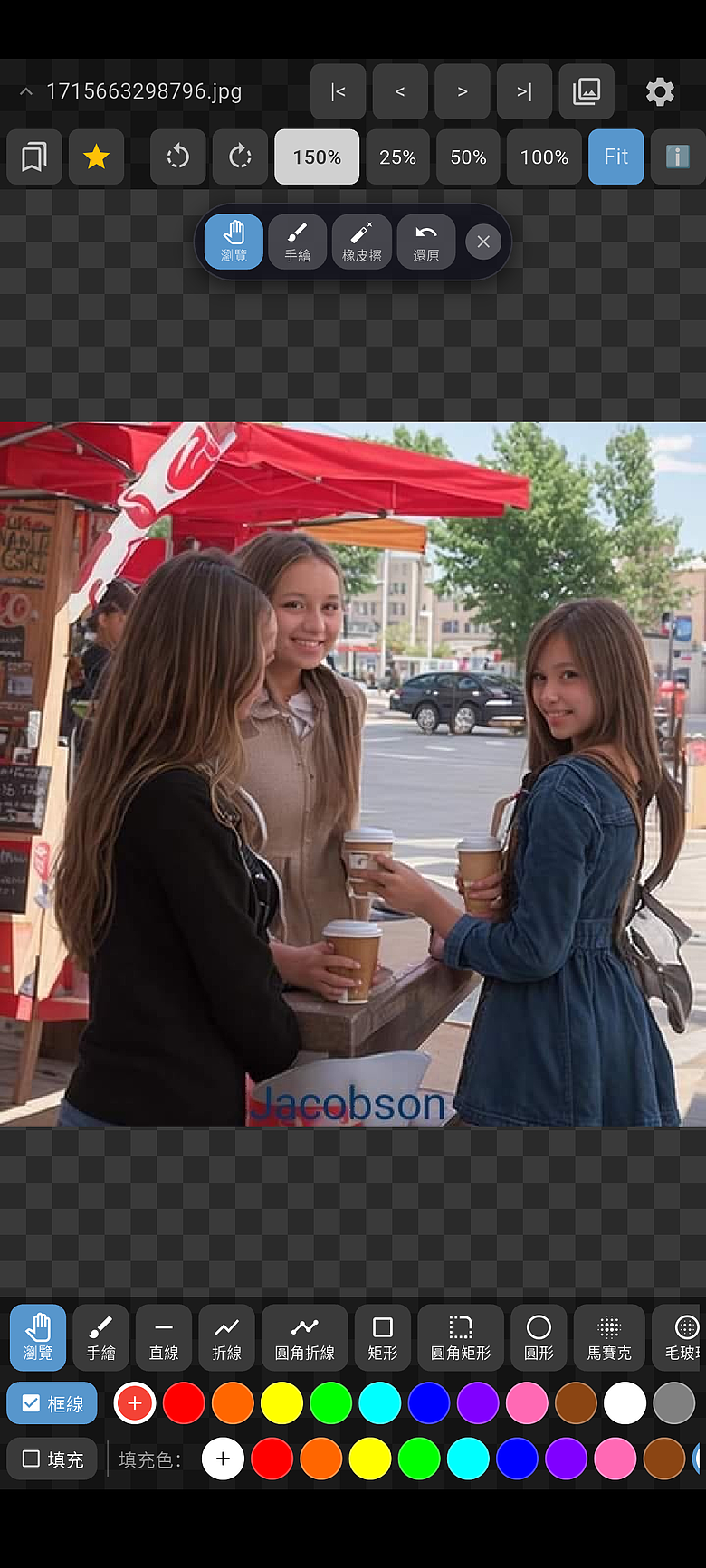
- Screenshot_20260621-150618
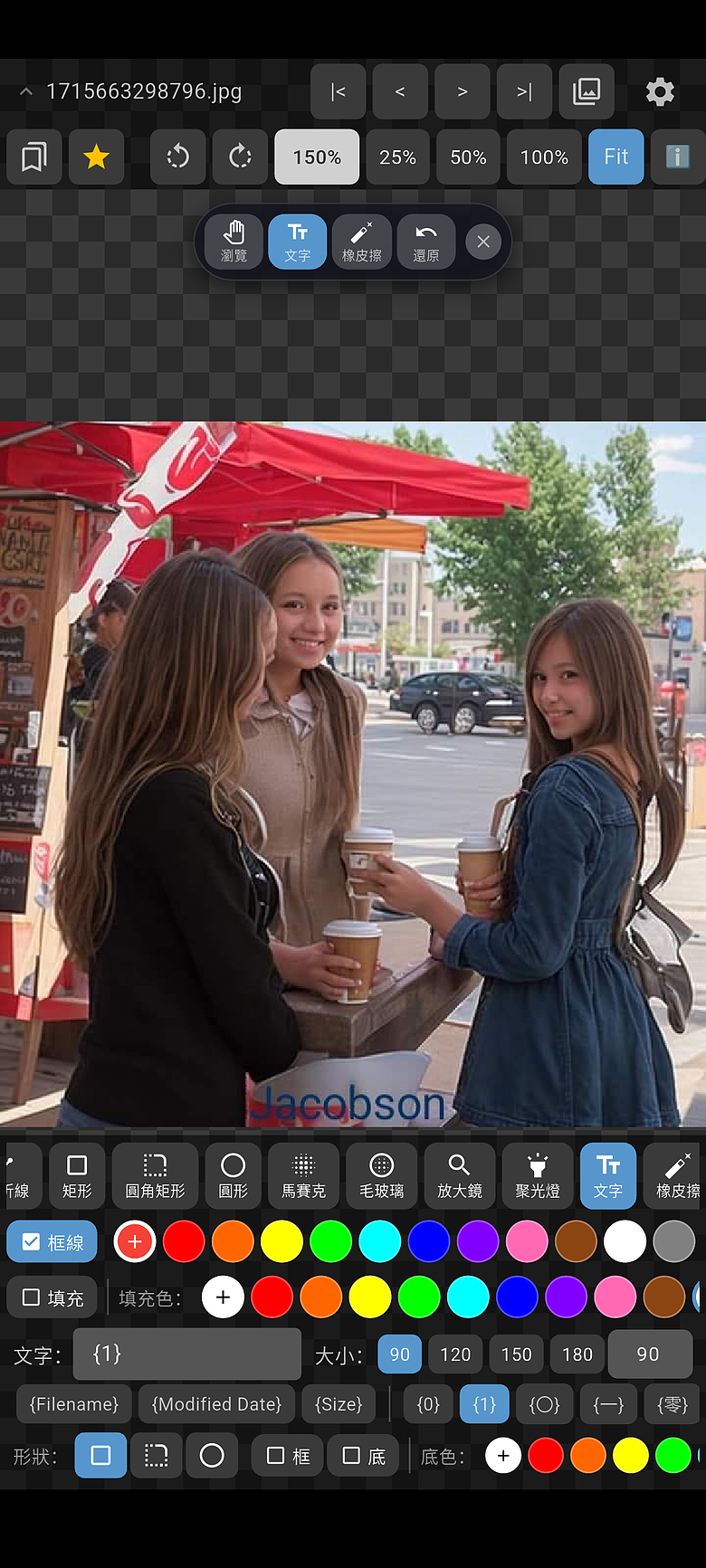
- Screenshot_20260621-150547
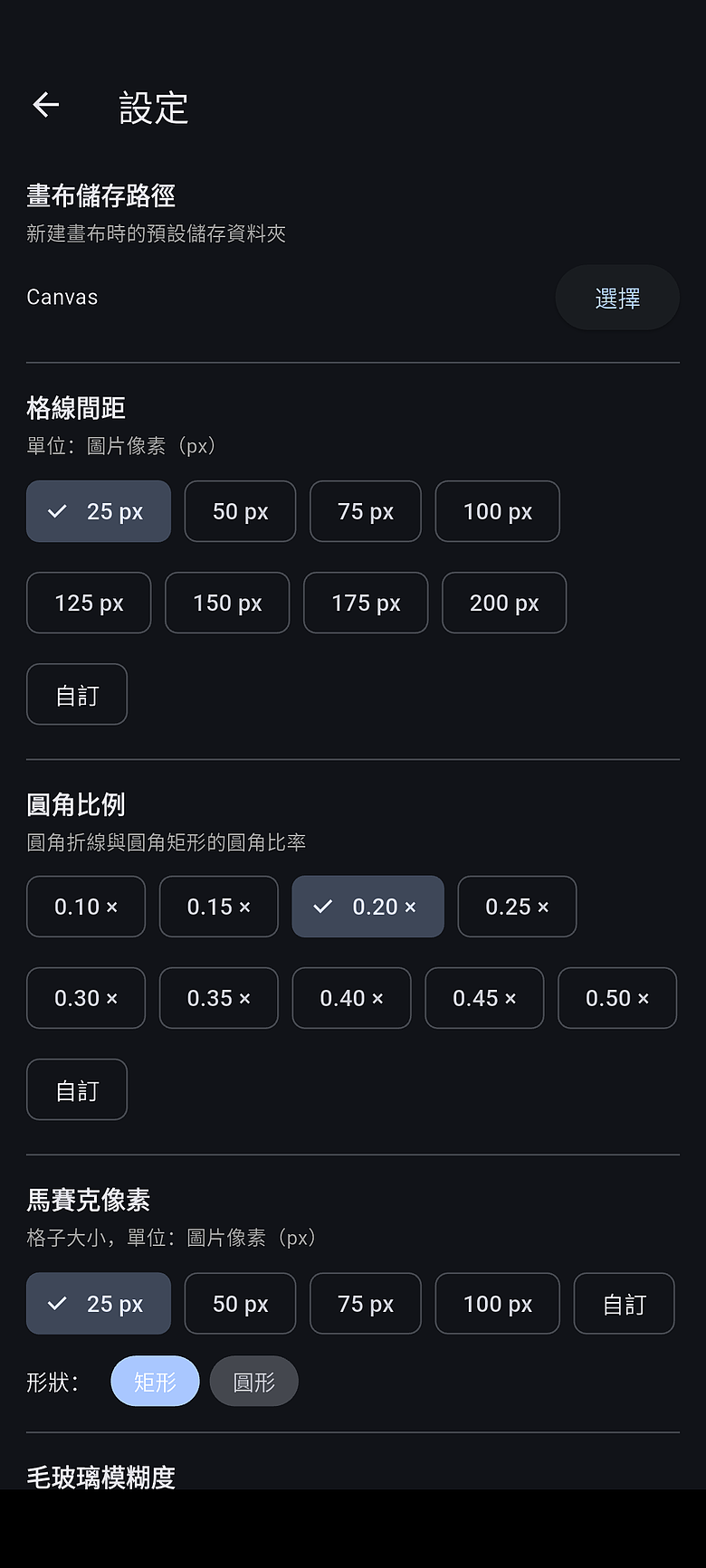
- Screenshot_20260621-150534
- Screenshot_20260621-150700
- Screenshot_20260621-150725
- Screenshot_20260621-151534
- Screenshot_20260621-145929