

在01看到"天夜蒼真"大大分享的AirVideo後(文章連線在此),決定自己來試用看看。沒想到居然意外發現另一個好用的功能...就是"轉檔"!!又快畫質又好!!
"天夜蒼真"大大已經有分享PC的Step by Step...那我就來貢獻個Mac版吧:
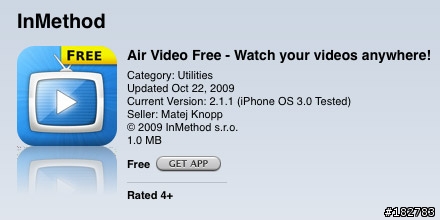
01. 到App Store搜尋"Air Video Free"或收費版的"Air Video":

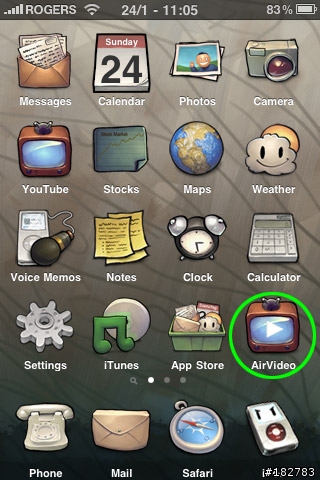
02. 裝好後iPhone就會看到"AirVideo"的icon(我的iPhone有JB,所以可能會有些許不同)....
03. 不管是PC還是Mac都要在電腦裝上"Air Video Server":

04. 安裝好server後,到Preference>Remote,啟用"Enable Access from Internet",這時候"This Server PIN"會出現一組九碼的數字,遲些我們會需要在iPhone上輸入這組號碼:

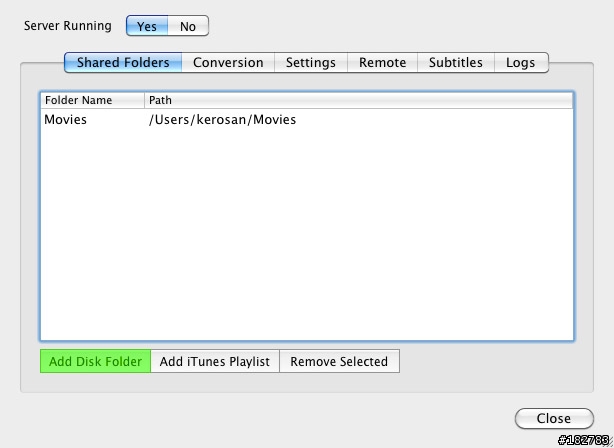
05. 在"Shared Folders",按"Add Disk Folder",選取你想要iPhone讀取的檔案夾:
06. 回到iPhone,開啟AirVideo,按左上角的"+",你會發現它已經很聰明的找到"Computers on Local Network",如果你像我只是用家裡的wifi,可以直接選"XX's MacBook Pro",如果你有3G吃到飽或想利用別的地方的wifi,按"Enter Server PIN":

07. 輸入剛才的九碼數字:

08. 按"Save"後應該會看到類似以下的畫面:
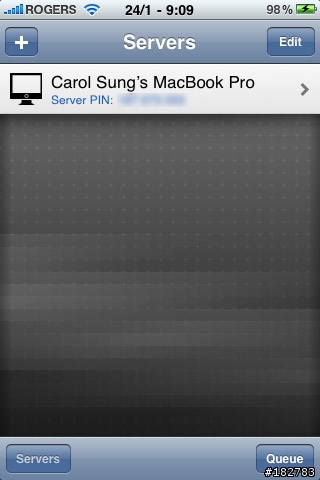
09. 按"XX's MacBook Pro">"Movies"(檔案夾名稱會根據你的設定有所不同):

10. 在設定檔案夾內的所有影片都會列出,按下你想轉檔的影片:
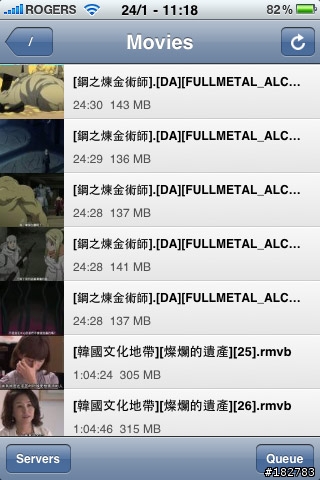
11. 按"Convert":

12. 它會告訴你影片已經排入queue(可以一次排入多個檔)中準備轉檔:

13. 按上一頁右下角的"Queue",就會顯示出正在轉檔的影片:

14. 半個鐘的片子約六分鐘就轉好了!!!畫質好而且不會lag!
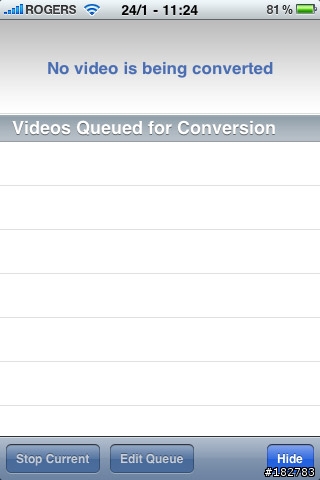
15. 按右下角的"Hide",就會回到之前的檔案夾位置,轉好檔的影片此時就會有個"converted"字樣在下方:

16. 回到Finder,轉好的檔就會變成.m4v,且有"xx-airvideo"在檔名的尾端,最後把這個檔丟進iTune裡就搞定了!

重點是"快"又好用!醬子沒事就可以轉個幾集丟進iPhone裡...在無wifi的地方也可以offline觀賞喜歡的片子來打發時間,像我用不起3G的朋友可以來試看看喔!
~文章同步於我的Blog~















