

初次接觸這種產品,完全不熟悉
想請大家推薦一下
1.讓一條網路,可以應PORT的位置,區分不同區網
2.可以限制,對應PORT或是不同區網的網路速度 例如:限制上下傳最高值/或是百分比
--
3.可以合併兩條網路頻寬(若是多這功能價格被漲就pass)
只要8PORT左右就可以,系統WIN10/MACOS
謝謝


YAWPYNG wrote:
MikroTik ...(恕刪)
了解
如果是
NETGEAR大廠的
GS108E - ProSafe Plus 這種是否也能限制流量?
看起來是有,就不知道實際用起來穩不穩了
Rate Limiting
You can limit the rate at which the switch accepts incoming data and the rate that it retransmits outgoing data. you can set rate values. The rate choices vary depending on the switch model.
Rate limiting can be set for a port in addition to other QoS settings. If a port has a rate limit set, the switch will restrict the acceptance or retransmission of data to the values configured.
To configure Rate Limiting:
1. Select System and click on the radio button for the switch you want to configure.
2. Select QoS > Rate Limit. The QoS Rate Limit screen displays.
3. Select one or more ports then select ingress and egress rates to assign.
4. Click Apply. The rates will be displayed opposite the selected ports.
5. Repeat for the remaining ports.

 只需要寬頻管理器.除了GS108E,個人也另外推TP-SG105這玩意,唯一的功能仍健在.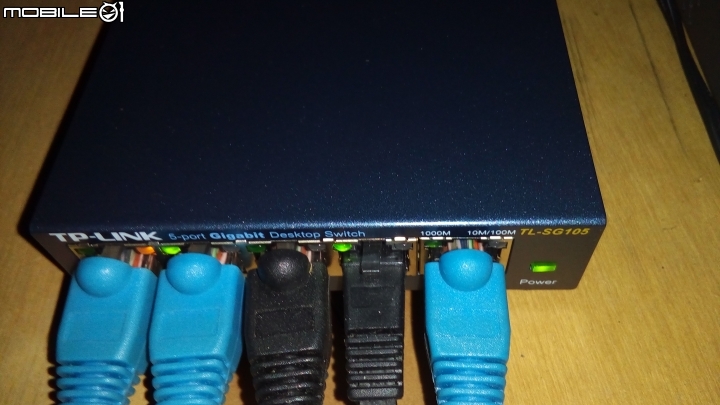
















內文搜尋